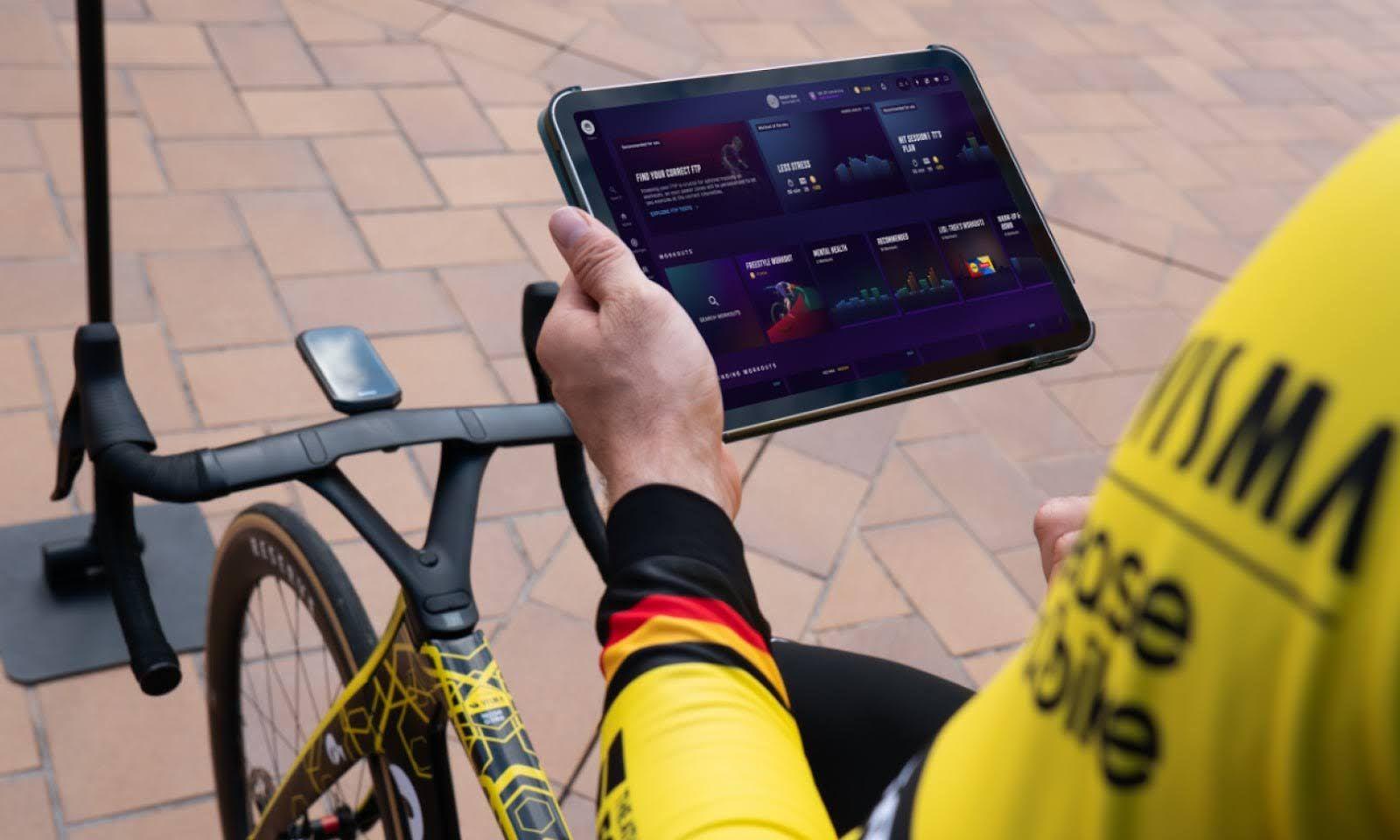
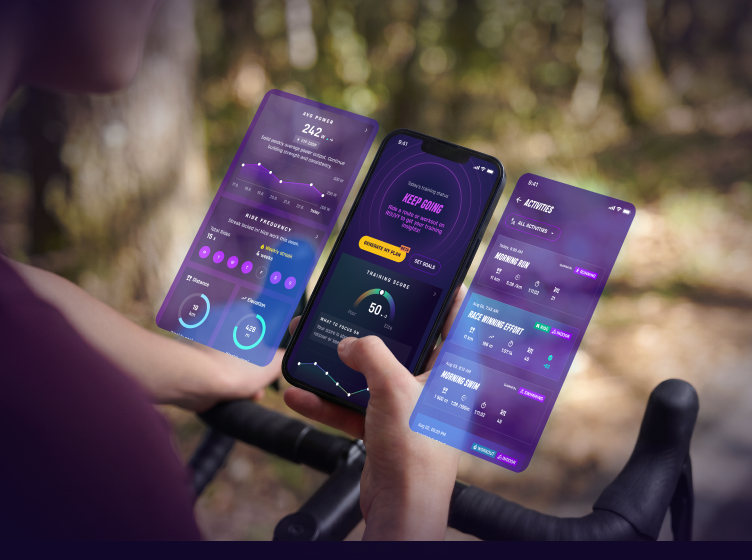
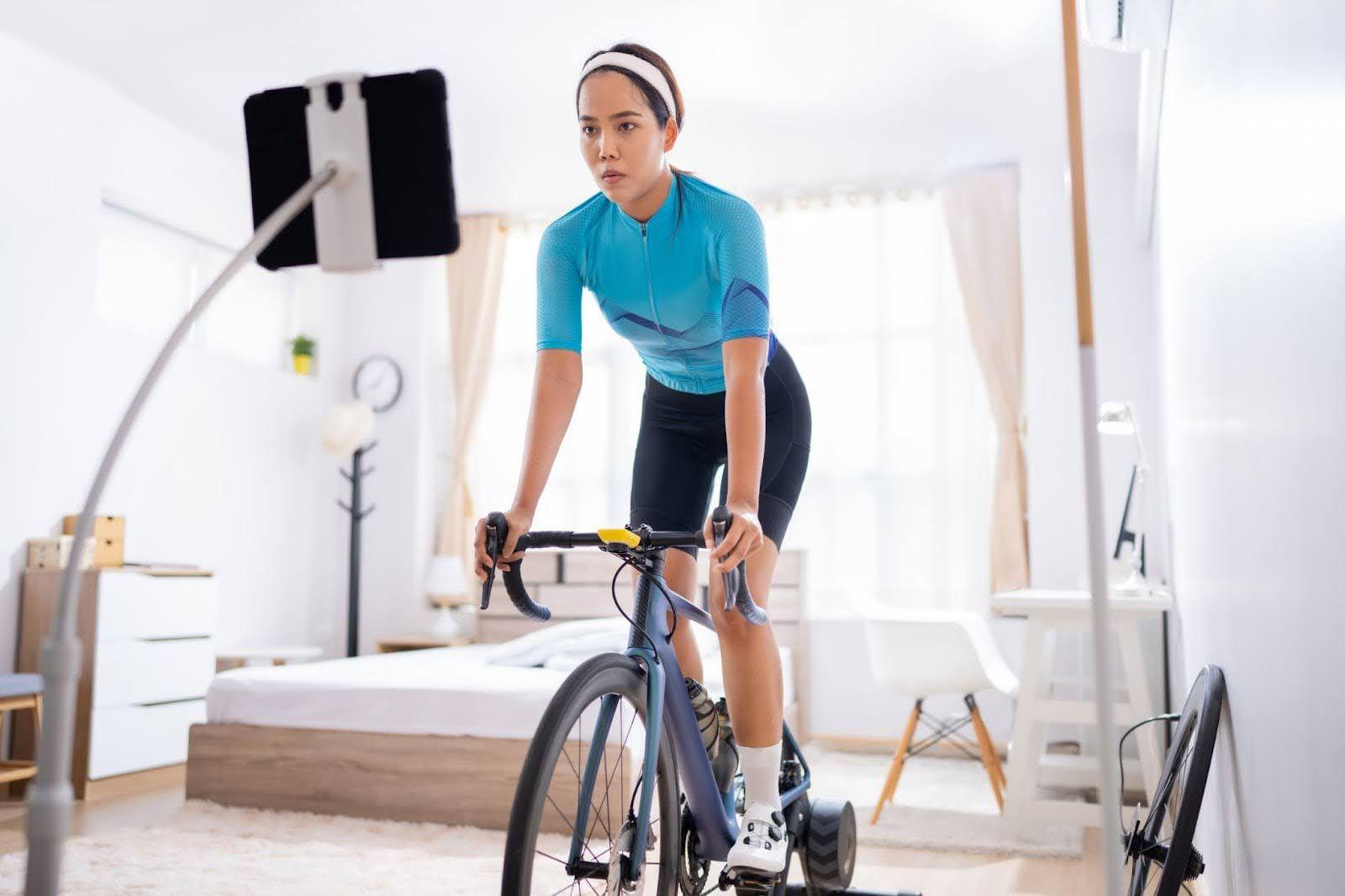
The right tablet can make every ROUVY ride smoother, more lifelike and more enjoyable. A bright display, responsive performance and reliable wireless connectivity let you focus on tackling bucket-list European climbs, sprinting for virtual finish lines or improving your cycling and fitness with structured workouts – not on lag, buffering or dropped connections.
Add a compatible trainer or smart bike and setting up your ROUVY ride becomes quick and seamless, so you can focus on the ride ahead.
The best tablets for ROUVY
For the best experience, your tablet should meet ROUVY's minimum system requirements: iOS 16 or later or Android 11 or later, at least 3 GB of RAM, Bluetooth 4.0 or later, compatible graphics hardware and enough free storage to install the app.
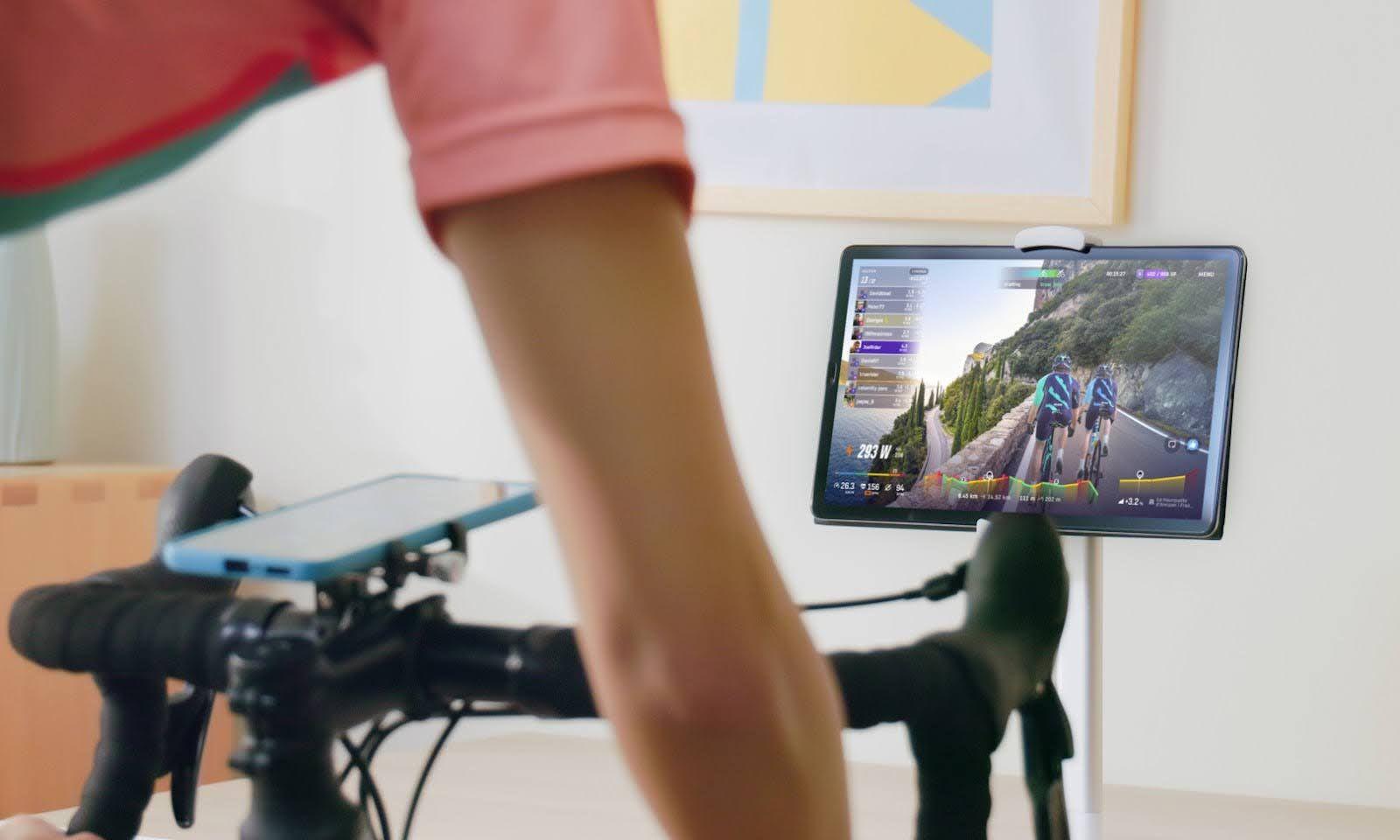
More memory, a faster processor and a higher-resolution display will provide smoother video playback, quicker responsiveness and an overall better indoor cycling experience.
For iOS users:
Any recent iPad delivers excellent performance, display quality and long-term software support for ROUVY.
The Apple iPad Air M3 offers one of the best combinations of power, battery life and value, making it an outstanding choice for most riders, while the iPad Pro M5 is the premium option for those who want Apple's most advanced display and maximum performance.
For Android users:
A relatively recent tablet in the mid-range or premium category will provide the best ROUVY experience.
The OnePlus Pad 3 offers exceptional value with its 13.2-inch 3.4K 144 Hz display, Snapdragon 8 Elite processor and excellent battery life.
If you prefer Samsung's ecosystem:
The Galaxy Tab S10+ and Galaxy Tab S10 Ultra are outstanding premium options, combining vibrant AMOLED displays, S Pen support and powerful multitasking capabilities that make them ideal for indoor cycling.
Connecting your tablet to the ROUVY app
Setting up ROUVY on your tablet is straightforward.
- Download the ROUVY app from the App Store, Google Play or directly from ROUVY.com (the website provides downloads for Windows, macOS, iOS, Android and Apple TV).
- Install and sign in with your ROUVY account – remember your web and app credentials are the same. You can register up to five devices on your account; if you exceed that, you'll need to remove one before starting a ride.
Once installed, connect your trainer or smart bike. In the app, go to Sensors to scan and connect via Bluetooth or ANT+ (depending on your device's support).
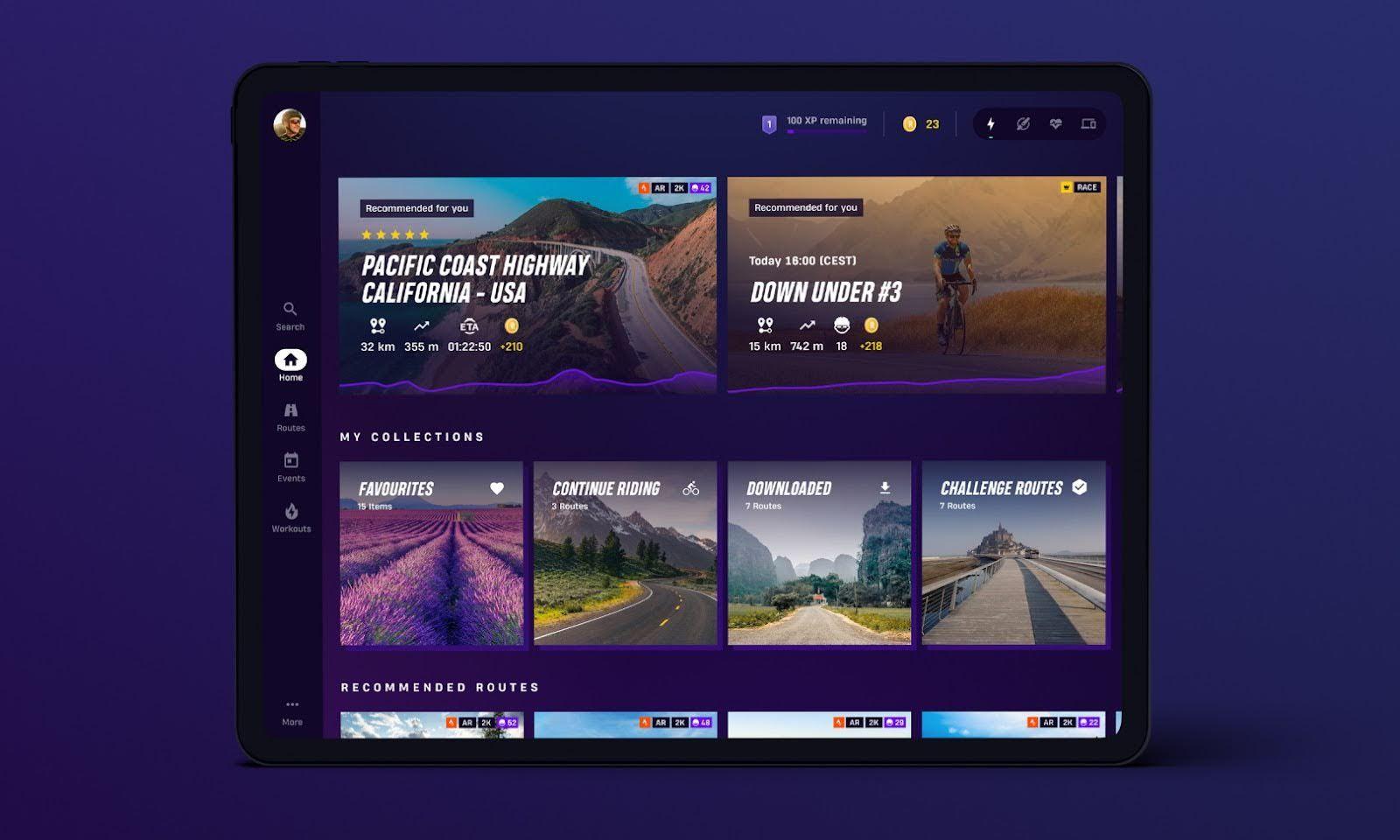
Once connected, the app will seamlessly adjust resistance to match the gradients shown in the video routes – making it a realistic and fun ride.
Tablet mounts, accessories and DIY hacks
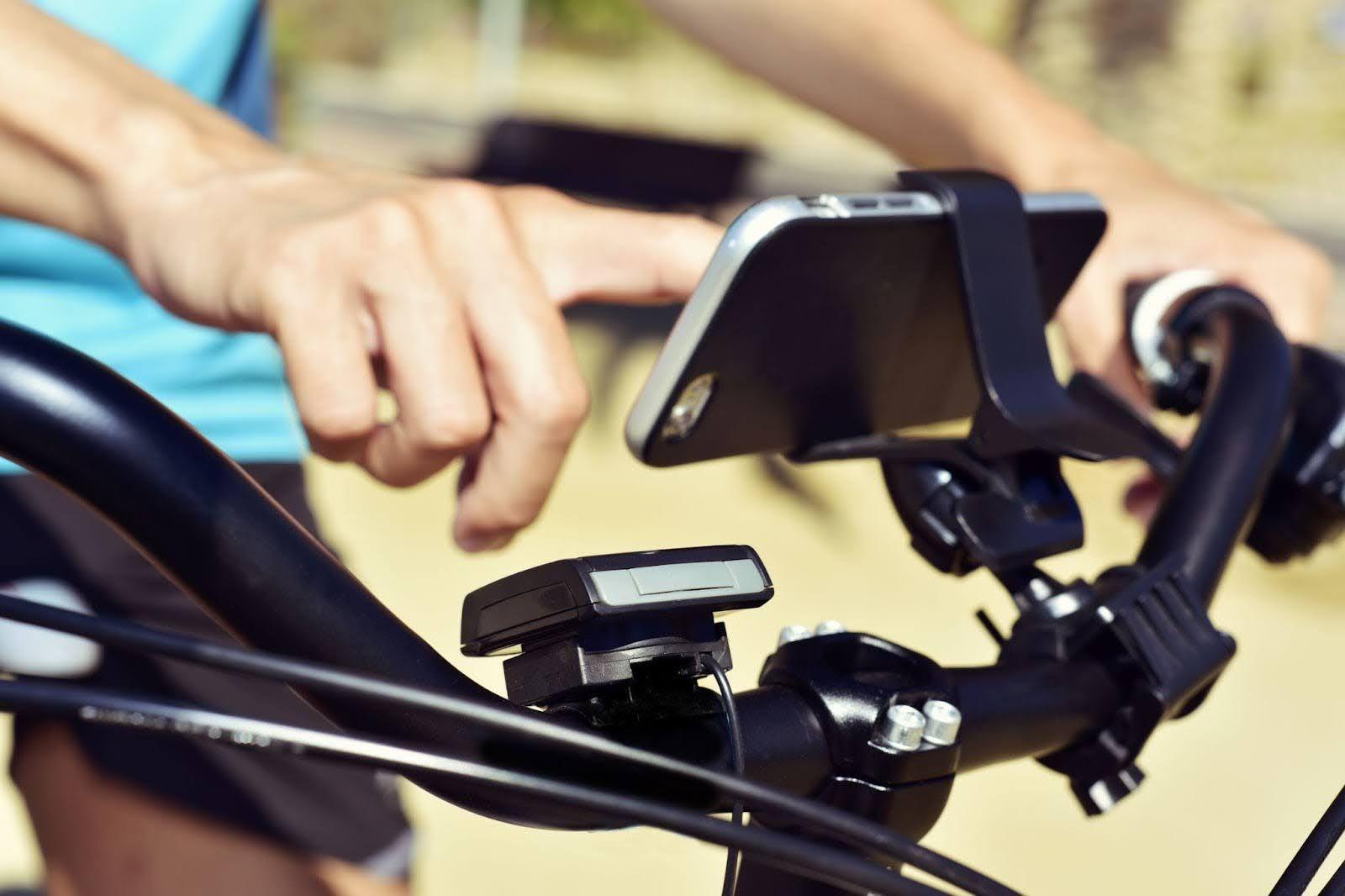
A high-quality tablet is only part of the equation. How you position it during your ride can make or break your ROUVY experience.
If you ride on a Zwift Ride Smart Frame or Zwift Ride with KICKR CORE 2, the Zwift Ride Tablet Holder is one of the cleanest and most ergonomic solutions available.
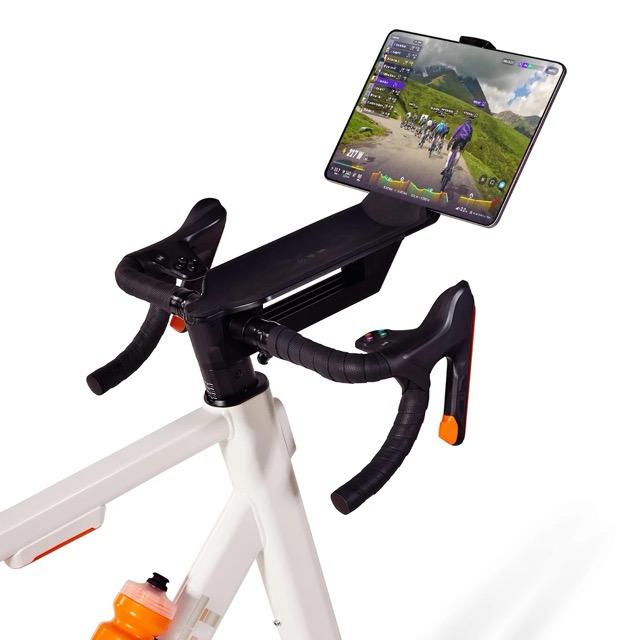
Designed specifically for those setups, it mounts your tablet directly in front of the handlebars, keeping your screen at a comfortable viewing angle and within easy reach.
The Zwift Ride Tablet Holder's adjustable strap accommodates most tablets up to 12.9 inches, making it compatible with everything from compact Android devices to larger iPads.
For riders using a conventional bike and smart trainer, popular alternatives include the Tacx Bracket for Tablets, the Tacx Tablet Stand, the KICKR Indoor Cycling Desk Stand and Elite Posà floor stand, all of which provide stable support and flexible positioning for a wide range of bikes and tablets.
Other accessories worth considering when you're setting up your "pain cave" include:
- A powerful cooling fan to help prevent your tablet from overheating during longer ROUVY sessions
- A Bluetooth heart-rate monitor for more accurate training data
- A noise-reducing mat to protect your floor while dampening trainer vibration.
For riders on a tighter budget, there are plenty of effective DIY alternatives.
A music stand or microphone stand with an adjustable boom arm can hold a tablet securely, while folding TV trays, laptop stands or even a carefully stacked pile of sturdy boxes can provide a functional temporary solution.
Whatever setup you choose, aim for a stable, comfortable viewing position that lets you focus on enjoying ROUVY's realistic routes instead of constantly adjusting your screen.